
Ringpico
ちゃんと起きられて、見た目もかわいい目覚まし時計
A cute alarm clock that really wakes you up
Google Play で近日公開Coming soon on Google Play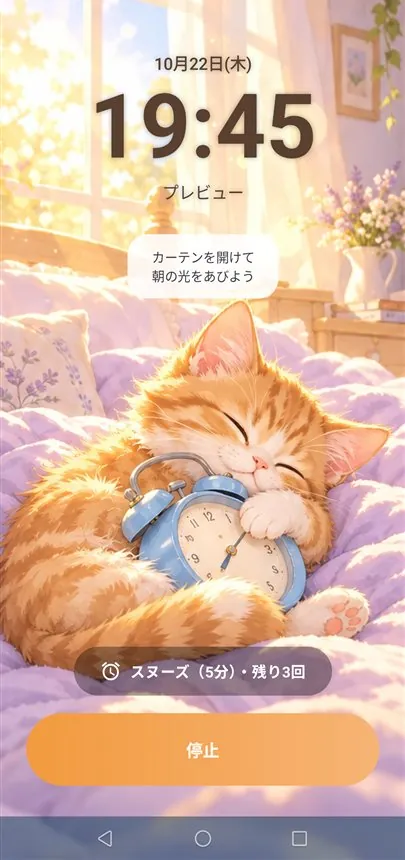
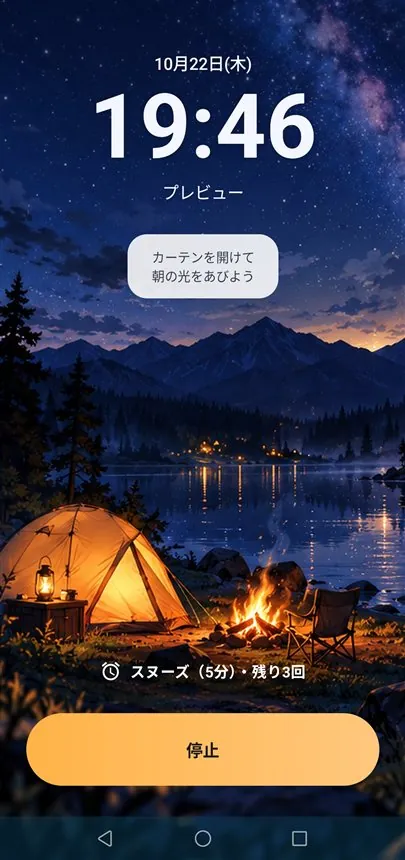
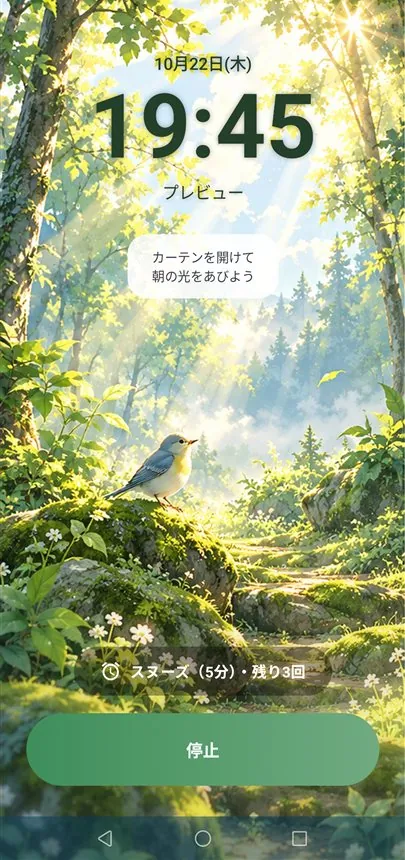
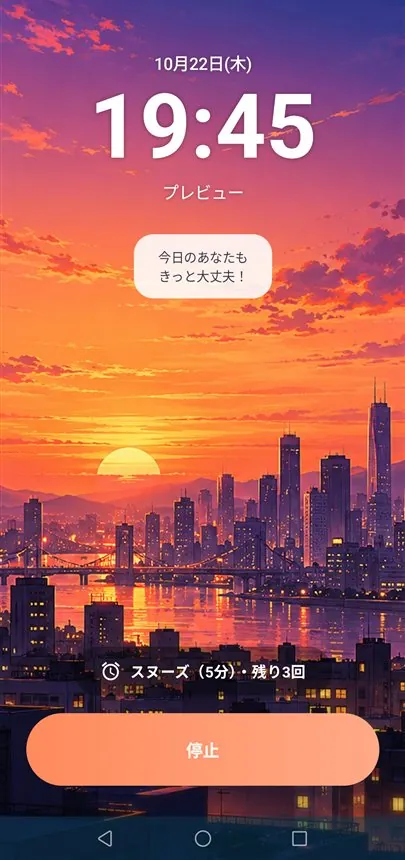
できること
⏰ 確実に鳴る
画面ロック中、深い省電力中、ほかのアプリを使っている最中でも、時間どおりに止める画面が出ます。
🧠 起床ミッション
計算・スマホを振る・順番を覚える・色当てなど6種類。目が覚めるまで止められません。
📅 祝日に対応
日本の祝日を内蔵。海外24の国・地域にも対応。アラームごとに「祝日は休む」を選べます。
😴 スヌーズを自由に
1〜30分で設定でき、スヌーズできる回数も制限できます。
🎵 音とバイブ
好きな音楽をアラーム音に。だんだん大きくなるフェードイン、選べるバイブのパターン。
🎨 スキン
公式スキン5種類と、好きな背景・色で作るオリジナルスキン(買い切り)。
使い方
アラームを追加する
右下の + でアラームを追加します。時刻を決めて右上の ✓ を押すと、何時間後に鳴るかが表示されます。アラームの数に制限はありません。
繰り返す曜日を決める
「1回」「毎日」「平日」「週末」のタブで曜日をまとめて設定できます。曜日のボタンで1日ずつ選ぶこともできます。
祝日の扱いを選ぶ
アラームごとに次の3つから選べます。
- 曜日どおり:祝日かどうかに関係なく、選んだ曜日に鳴る
- 祝日は鳴らさない:平日の仕事用に便利(祝日の月曜は鳴らない)
- 祝日も鳴らす:休日用に便利(曜日に関係なく祝日に鳴る)
スヌーズ・音・バイブを決める
スヌーズは 1〜30 分の間隔と、回数(1・2・3・5回・無制限)を選べます。回数を使い切るとスヌーズボタンが消えます。アラーム音は端末の音のほか、好きな音楽ファイルも使えます。「徐々に音量を上げる」をオンにすると、小さな音から少しずつ大きくなります。
解除ミッションを付ける
計算・スマホを振る・光った順番を覚える・数字を覚える・文字の色当て・数字を順番にタップ・ランダムから選び、難しさと回数を決めます。設定画面の「試してみる」で、音を鳴らさずに練習できます。
その日だけ休む
カード右の「⋮」から「今日だけOFF」「明日だけOFF」を選ぶと、その日だけお休みにできます。次の日からはいつも通り鳴ります。カードのスイッチで ON/OFF、カードをタップすると編集できます。
よくある質問
アラームが鳴らない・止める画面が出ない
次の順に確かめてください。
- 「通知」と「ほかのアプリの上に表示」を許可する。ホーム画面に赤い警告が出ているときは、タップすると設定を開けます。
- 設定 → アプリ → Ringpico → バッテリー を「制限なし」にする。
- REDMAGIC の場合:設定 → 電池 → その他の省電力設定 → シーンによる最適化 → スリープモード を「オフ」にする。
- Xiaomi の場合:「バックグラウンドでの自動起動」で Ringpico をオンにする。オフだと、スマホを再起動したあとアラームが鳴りません。
アラームが予定より遅れて鳴ったときは、履歴に表示されます。
ミッションが解けなくて止められない
ミッション画面の下の「緊急停止」を5秒長押しすると止まります。
通知の「停止」ボタンで止まらない
ミッションを設定したアラームは、二度寝を防ぐため、通知の「停止」ボタンでは止まりません。画面に出るミッションを解いて止めてください。
日本以外の祝日にしたい
「設定 → 祝日の国」で国を選びます。日本の祝日はアプリの中で計算するので、通信なしで使えます。そのほか24の国・地域の祝日は、年に1回インターネットから取得します。
アラームの音が小さい
端末のアラーム音量が小さすぎるときは、鳴っている間だけ自動で半分まで上げます。
どの機種で使えますか
Android 8.0 以上のスマートフォンで使えます。iPhone 版はありません。
広告やアカウント登録はありますか
広告はありません。アカウント登録も不要です。アラームの設定はスマートフォンの中にだけ保存されます。お金がかかるのは、オリジナルスキンを作る機能(買い切り)だけです。
サポート
Features
⏰ Rings for sure
The stop screen appears on time even when the phone is locked, in deep sleep, or while you use another app.
🧠 Wake-up missions
Six missions such as math, shaking and memory games. You cannot turn it off until you are awake.
📅 Holidays
Japanese holidays built in, plus 24 more countries and regions. Skip holidays per alarm.
😴 Snooze your way
Snooze from 1 to 30 minutes and limit how many times you can snooze.
🎵 Sound & vibration
Use your own music, a gentle fade-in and several vibration patterns.
🎨 Skins
5 official skins and your own custom skins with your favorite backgrounds and colors (one-time purchase).
How to use
Add an alarm
Tap + at the bottom right to add an alarm. Set the time and tap ✓ at the top right to see how long until it rings. There is no limit on the number of alarms.
Choose the days
Use the Once / Daily / Weekdays / Weekend tabs to set the days at once, or tap individual days.
Choose how holidays work
For each alarm, pick one of three options:
- Follow weekdays: rings on the selected days, holiday or not
- Skip holidays: handy for work alarms
- Also on holidays: handy for days-off alarms (rings on holidays whatever the day)
Set snooze, sound and vibration
Snooze can be set from 1 to 30 minutes, with a limit (1, 2, 3, 5 times or unlimited). When the limit is reached, the snooze button disappears. Besides the alarm sounds on your phone, you can pick any music file. With “Gradually increase volume” on, it starts quietly and gets louder.
Add an unlock mission
Choose from math, shaking, repeating a sequence, remembering a number, picking the word's color, tapping numbers in order, or random, then set the difficulty and count. Use “Try it” in the settings to practice without sound.
Take a day off
From ⋮ on a card, choose Skip today or Skip tomorrow to turn it off for just that day. It rings as usual from the next day. Use the switch to turn an alarm on or off, and tap a card to edit it.
FAQ
The alarm doesn't ring, or the stop screen doesn't appear
Please check the following, in order:
- Allow Notifications and Display over other apps. When a red warning appears on the home screen, tap it to open the setting.
- Set Settings → Apps → Ringpico → Battery → “Unrestricted”.
- On REDMAGIC: also set Settings → Battery → More battery settings → Scene optimization → Sleep mode → Off.
- On Xiaomi: turn on Ringpico in Autostart. If it is off, alarms won't ring after the phone restarts.
If an alarm rings later than scheduled, it is shown in History.
I can't complete the mission
Hold “Emergency stop” at the bottom of the mission screen for 5 seconds to stop the alarm.
The Stop button in the notification doesn't work
To keep you from falling back asleep, alarms with a mission can't be stopped from the notification's Stop button. Complete the mission on the screen to stop them.
I want holidays for another country
Choose the country in Settings → Holiday country. Japanese holidays are calculated in the app and work offline. Holidays for 24 more countries and regions are downloaded once a year.
The alarm is too quiet
If the alarm volume is very low, it is raised to half only while ringing.
Which phones are supported?
Android 8.0 or later. There is no iPhone version.
Are there ads or accounts?
No ads, and no account needed. Your alarms stay on your phone. The only paid feature is making your own skins (one-time purchase).